Your Data Encrypted! · Your Business Kept Private! · Your LORE Linked Forever!

Find any photo, screenshot or PDF
by what's in it.

Private by design. It stays on your PC, and Big Tech doesn't get to see it.

Type a word and LinkLore finds it on your own PC, even when the word is inside a picture. Capture anything in one click, keep it in chains you name, and see it full size without opening it. Nothing you capture leaves unless you send it. The free version stays free forever!

⬇ Download free for Windows See how it works ↓

Free forever for the full local core. No account. No card.

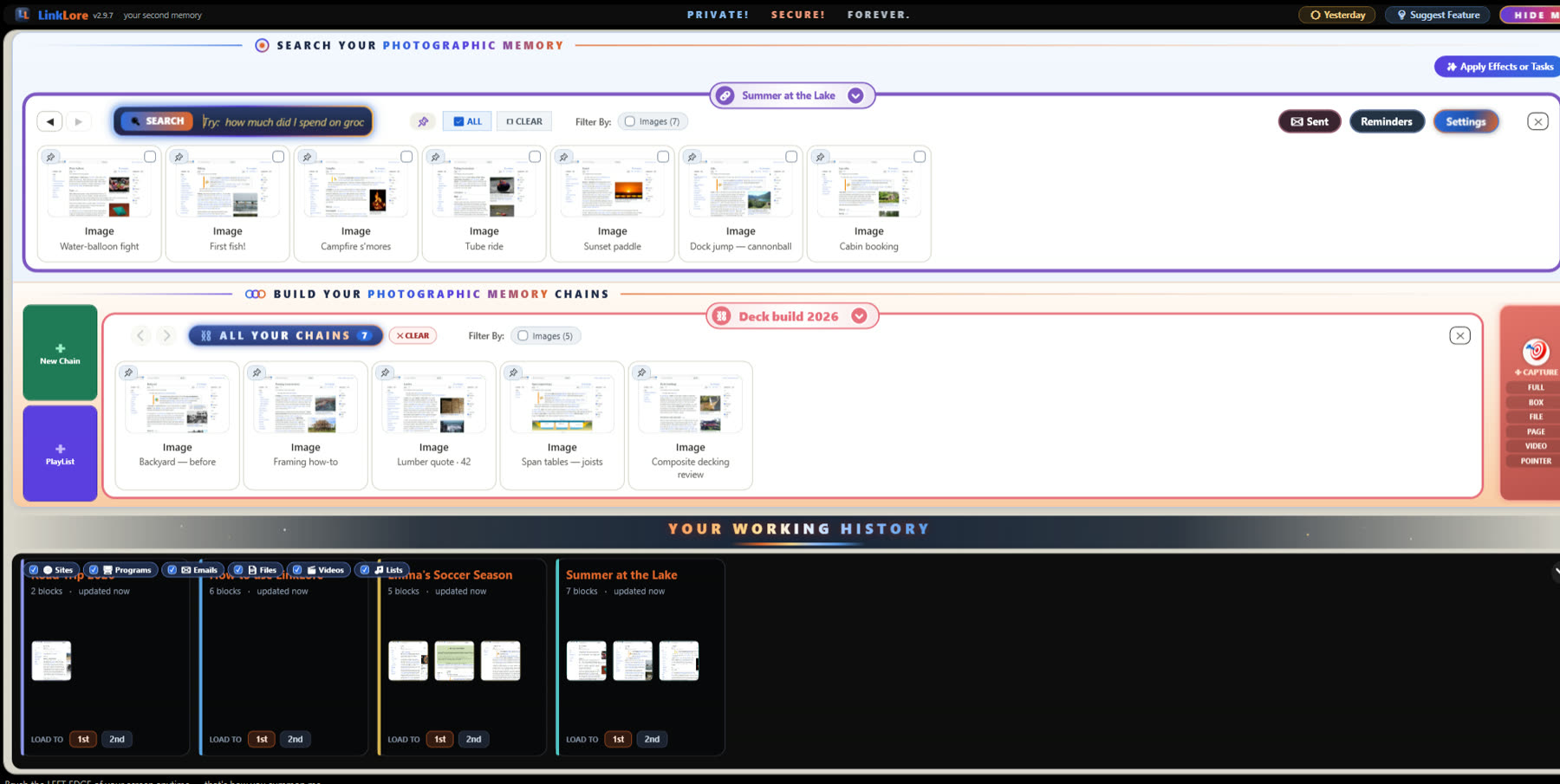
LinkLore on a desktop: a fishing trip's photos in the search room, a Road Trip music list opened into its songs and covers on the chain builder, and Your Working History along the bottom with the player and film posters

“I know I saw it. It was right there.”

The receipt from March. The photo someone sent you. The page that finally explained it. LinkLore remembers it all — so you don't have to.

How it works

One tab. Three superpowers.

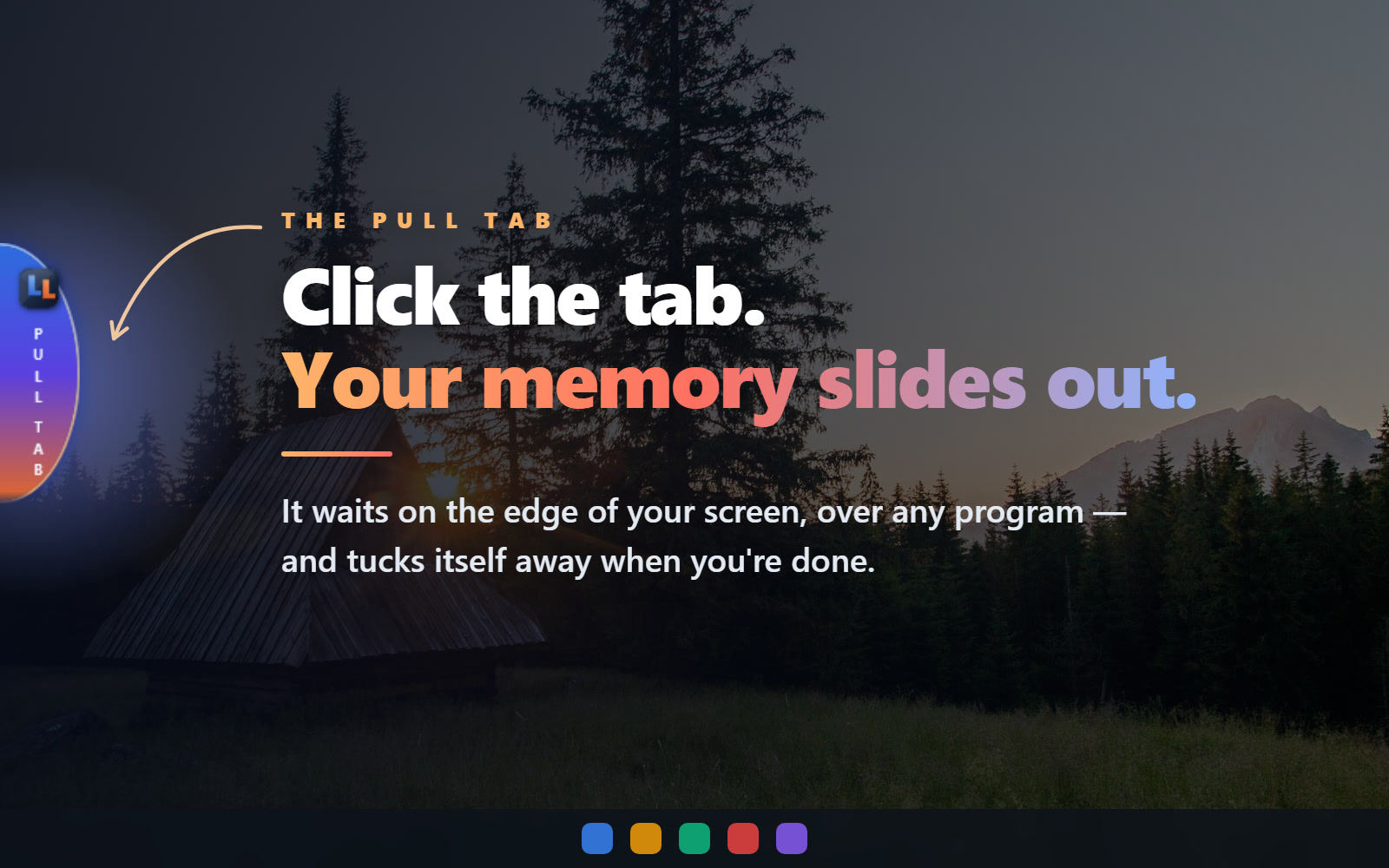
LinkLore waits at the edge of your screen. One click, and everything you've ever kept slides out.

LinkLore's pull tab resting on the left edge of a desktop, with the words “Click the tab. Your memory slides out.”
The pull tab

Always there. Never in the way.

No windows to dig through, no folders to remember. Whatever program you're in, LinkLore is one click away — and gone again the moment you're done.

Find it

Find anything on your computer.
In one word.

Photos, PDFs, receipts, songs, saved pages. Type one word and they show up as pictures, not file names. It even sees what's in your photos — type “lasagna” and there's the lasagna.

LinkLore after typing “lasagna”: photos, Grandma's recipe PDF, a grocery receipt and two songs, each shown as a picture
  • 🔎 Looks inside photos and PDFs
  • 📁 Searches the folders you choose
  • 👁 Point at a picture to see it big
Chain it

Chain anything, from anywhere.
That is power!

Grab anything — a file, a program, a web page, a video — in one click, from anywhere. Put it all on one line: a trip, a project, your taxes. Every piece together, in order.

A chain called Cabin build: a lumber order PDF and photos of the cabin, roof, tools, saw, subfloor, framing and lumber, all on one line
  • 🎯 Files, pages, videos, programs
  • ✋ Drag to put them in order
  • ⛓ Give it a name — that's a chain
Get back to it

Back to what you were doing.
At super speed.

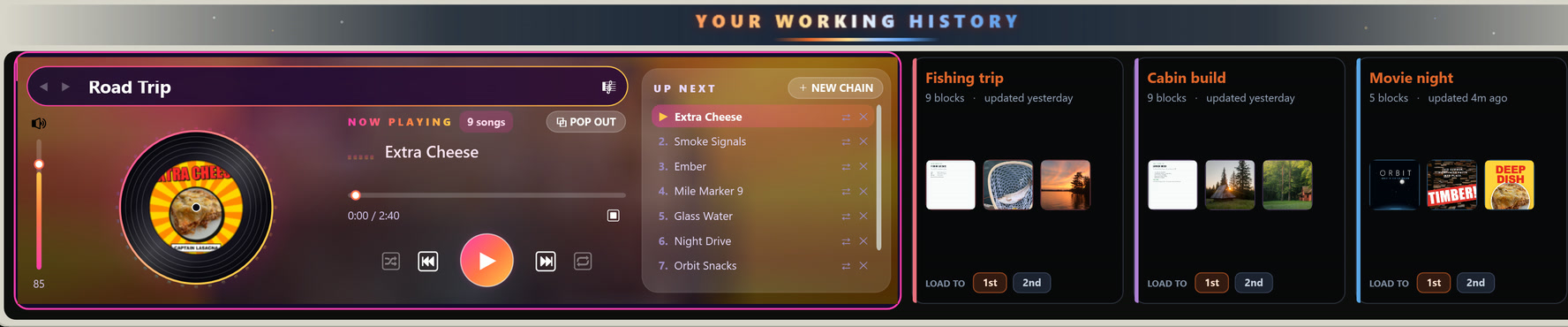
Everything you've been working on waits along the bottom. One click puts it back on screen, right where you left off. Your music plays here too.

Your Working History: the music player playing Road Trip, and chains for Fishing trip, Cabin build and Movie night, each with three pictures
  • ⚡ One click and you're back
  • 🖼 Three pictures show what's inside
  • 🎵 Your music, right here
And then some

Your music, your movies, your days.
All in one place.

🔮

Ask it anything

“How much was the lumber?” It answers from your own stuff — with AI that runs on your PC.

🎵

Your music

Tick a song and it plays. Album covers, playlists and mixes, right in your chains.

🎬

Your movies

Watch inside LinkLore or pop out to any screen. It remembers where you stopped.

📅

Your days

Every day keeps its own chain. Click a date on the calendar and see what you did.

⏰

Reminders

Pin one to anything. When it rings, one click takes you straight back to it.

📱

Your phone

Phone photos land in your chains, and your music plays in your pocket.

Private by design

Your stuff stays on your PC.

🏠

Kept at home

What you capture is stored on your own PC, in an encrypted database. No account. No cloud storage.

👆

Leaves only when you say

Want a cloud AI's take, or to email a chain? You pick what goes, and you press the button.

🚫

Never sold

We never sell your memory, and we never train an AI on it.

Fair is fair: LinkLore looks up film posters and album covers by name, and checks in once a day so we know which versions are out there — no content, and the IP address it comes from is deleted after 90 days. Everything that leaves, listed →

Coming from Microsoft Recall? LinkLore works on the PC you already have, and keeps only what you choose. See the difference →

Questions

Everything people ask before they try it.

What is LinkLore?

LinkLore is a photographic memory for your Windows PC. Everything you capture — a page, a photo, a PDF, a receipt, a song, a video — becomes a block on a chain you can see at a glance, search by meaning and ask about in plain English. Rest your mouse on any block and it shows itself full size, without opening anything.

Is LinkLore free?

Yes. The full local core — capture, chains, search, previews, music and the built-in AI — is free forever, with no account. LinkLore Pro adds the multi-chain stage and the power features for $7.99 a month or $79 a year.

Does LinkLore upload my files or screenshots?

No. LinkLore is local by default: capture, storage, search and the built-in AI run on your PC, in a vault whose database is encrypted with AES-256. Nothing you capture leaves unless you send it. To fetch posters, album covers and link previews it looks things up by name or address, never sending your files. One small check-in a day tells us a copy is running: a random install number, the app version, Windows build and PC model. Our server also records the IP address it comes from and keeps that for 90 days.

How is LinkLore different from Microsoft Recall?

Recall needs a new Copilot+ PC and snapshots your screen on a timer. LinkLore runs on the Windows 10 or 11 PC you already own, keeps what you choose — visibly, deletably — and turns it into chains you can search, preview, play, share and be reminded about.

Can I find something when I don't remember what it was called?

Yes. Type what you remember — one word is enough. LinkLore searches by meaning, reads inside PDFs and looks inside photos, so “fish” finds every fish picture whatever the files are called.

What do I need to run it?

Windows 10 or 11, 64-bit, about 400 MB of disk space and 8 GB of RAM recommended. Download it free from linklore.app/download — no account, no card.
Never lose a thing again.

Free forever. No account. Installs in a minute.

⬇ Download free for Windows